Blog
How to Reset a Battery Management System (BMS) in Protection Mode
2026-02-02 | Eric
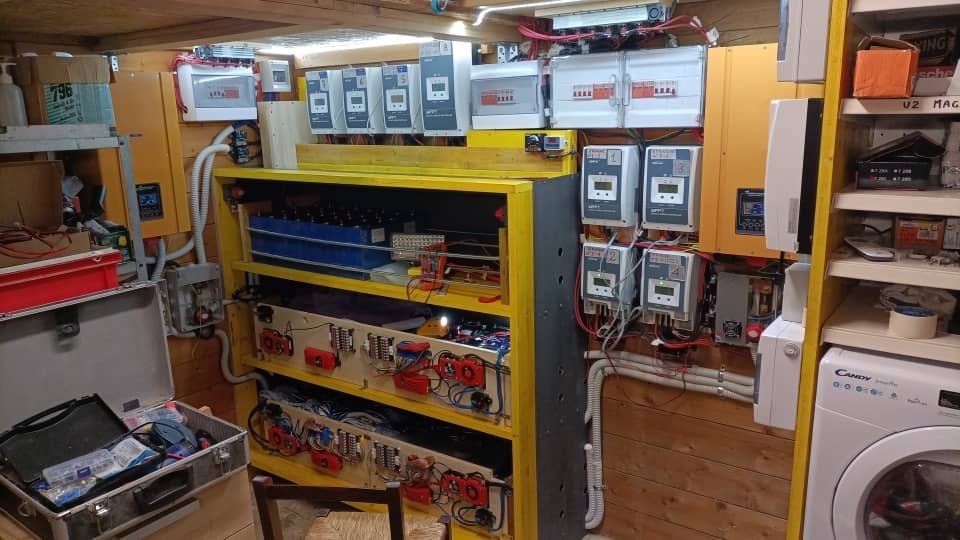
Off-grid solar systems can provide excellent reliability, but when suddenly the power goes out and your system shows no output, the issue often lies with the Battery Management System (BMS). The BMS has entered protection mode, not because of a failure, but because it’s doing exactly what it's designed to do: protect your battery. This critical safety feature ensures that your system operates within safe parameters, preventing damage.
In this guide, we will explain why a BMS enters protection mode, how to reset it, and what steps to take if the problem persists. With years of expertise in the development and manufacturing of lithium batteries and energy storage systems, we can help you troubleshoot this common issue to restore your system to full functionality.
Why Your BMS Enters Protection Mode
The BMS plays a crucial role in monitoring and safeguarding the battery cells. Its main function is to prevent conditions that could cause battery damage or reduce its lifespan. When the BMS detects an unsafe condition, it interrupts the system to avoid further harm, effectively entering protection mode or "lockout" mode.
Common Triggers for BMS Lockout
Understanding these triggers is essential for identifying and resolving the issue:
- Over-Voltage: Occurs during charging if the voltage exceeds the maximum safe limit for any cell or the entire pack.
- Under-Voltage: Happens when the battery is discharged below a critical threshold, leading the BMS to disconnect the load to prevent irreversible damage.
- Over-Current: When the battery is subjected to more current than it can safely handle, usually due to a short circuit or heavy load, the BMS will shut down to protect the battery.
- Temperature Extremes: The BMS also monitors temperature. Charging in extreme heat or below freezing temperatures will trigger protection mode.
Is a Tripped BMS a Sign of a Bad Battery?
On the contrary, a tripped BMS is an indication that the system is functioning properly. It’s the BMS's way of ensuring your system is protected from potentially harmful conditions. The goal is not simply to reset the BMS but to understand and address the underlying cause of the trip.
Step-by-Step Guide to Resetting Your BMS
Before attempting any reset, safety is of utmost importance. Follow these steps carefully:
Pre-Reset Safety Checks
Disclaimer: Always exercise caution when working with electrical systems. If unsure, consult a qualified professional.
- Isolate the Battery: Disconnect all external loads and charging sources from the battery terminals. This ensures no external factors are contributing to the fault.
- Visual Inspection: Check the battery for visible damage such as melted wires, bulging casings, or leaking fluids. If damage is found, do not proceed with the reset; the battery may need to be replaced.
- Check Voltage: Use a multimeter to measure the battery voltage. A low or zero reading suggests the BMS is in protection mode, which is normal.
Methods for BMS Protection Reset
Once you have completed the safety checks, you can proceed with resetting the BMS. The reset method will depend on the BMS design and the cause of the protection mode.
The Automatic Reset
Many modern BMS systems automatically reset once the fault condition is cleared. For example, if an over-current trip was caused by a temporary overload, disconnecting the excessive load might allow the BMS to re-engage the circuit on its own after a short period.
The Charger "Wake-Up" Method
This method is commonly used for under-voltage protection resets. Connecting a compatible charger can "wake up" the BMS.
- Use a LiFePO4 Charger: Ensure you are using a charger specifically designed for LiFePO4 batteries. Some chargers have a "0V activation" mode to revive a battery that has entered under-voltage protection.
- Connect the Charger: Plug the charger into the battery. The BMS will recognize the safe charging source and exit protection mode, allowing charging to proceed.
Manual Reset Procedures
Some BMS units have a physical reset button, while others may require a specific button sequence. Check your BMS manual for detailed instructions.
Troubleshooting and Advanced Scenarios
If a reset does not work, deeper troubleshooting is required:
What If the BMS Won’t Reset?
If the BMS remains in protection mode despite attempts to reset it, the issue may be more serious:
- Persistent Fault: Check all wiring for possible short circuits or faulty connections that might trigger continuous over-current.
- Damaged Cells: In rare cases, a damaged cell may hold the pack voltage down, preventing the BMS from exiting protection mode. This may require professional repair or replacement.
- Faulty BMS: Although rare, a defective BMS could be at fault. This should be considered only after ruling out other possibilities.
A Word of Caution on Bypassing BMS Protection
Some sources may suggest bypassing the BMS protection. We strongly advise against this. The BMS is the most important safety feature of your system. Bypassing it—temporarily or otherwise—puts your battery at risk of overcharging, over-discharging, or even thermal runaway, leading to potential fire or irreparable damage. Such measures should only be performed by qualified technicians in a controlled environment.
Conclusion
Understanding and resetting your BMS is key to maintaining the health and safety of your energy system. By following this guide, you can identify the reasons behind a protection mode trip, safely reset your BMS, and keep your off-grid solar system running smoothly. If problems persist, don't hesitate to seek professional assistance to avoid further damage.
Popular Articles
Contact Details
Worktime :Monday to Friday 9am - 6pm (HKT)
WhatsApp/Wechat/Mobile :+8613645616165
Email : info@lifepo4cellstore.com